 >
>
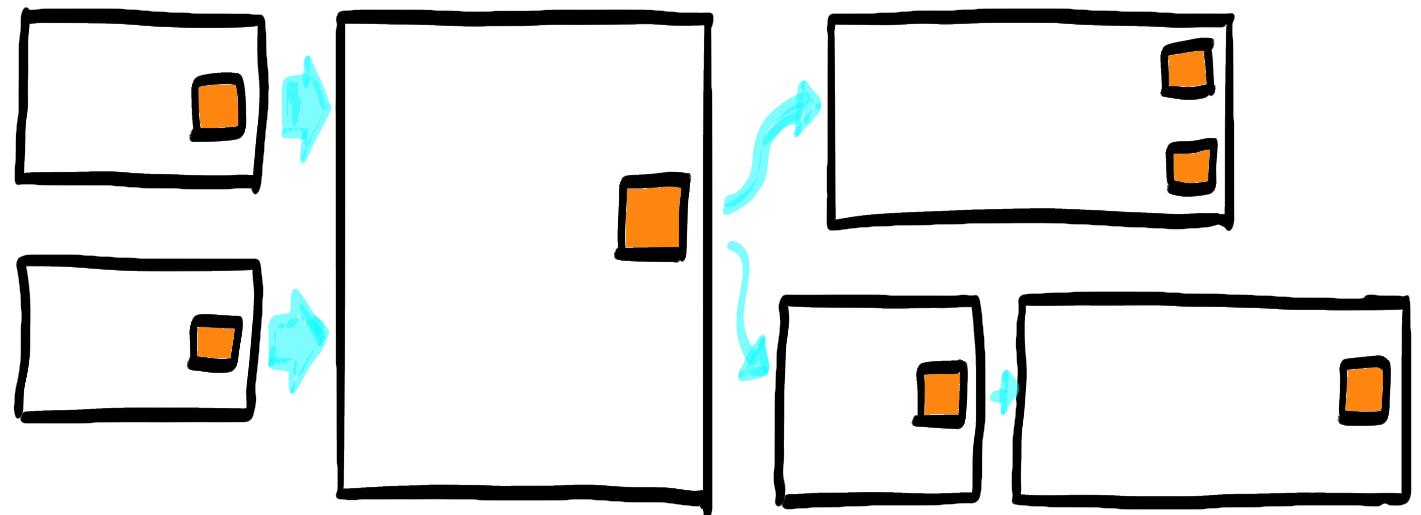
The typical sequence of Chaotic exploration and Enforce the timeline doesn't fit the online setting.
-
The online call format impedes parallel conversations, slowing execution.
-
Without physical cues (our position in the room, the fact that we are touching the sticky note), we need extra verbal information to describe the sticky note we want to move.
-
We miss the physical proximity and handwriting, so it takes a little longer to start a conversation with the right person.
-
Sorting physical surfaces can be rewarding. Sorting digital boards just feels pointless.
All these things together are reducing throughput, fun, and learning.
If you are running an online Big Picture, then you need different strategies to sort out the big digital mess.
-
Time-box the chaotic exploration phase. Seven to ten minutes can be enough to give you a baseline to sort.
-
Leverage more coarse-grained frames to simplify the sorting. You don't need fancy names here. You can leverage fuzzy definitions and say that you need boxes with a name, terminating in a pivotal event .
-
Define your goal. Something like: "At the end of this stage, every sticky note should be inside a box with a meaningful name."
-
Provide an example.
-
Empower the participants to label their boxes one by one.
-
Manage the left-to-right ordering, possibly including parallel flows, or independent subprocesses.
Boxes won't be the same size or have the same level of granularity. So you'll have to make sure that the structure stays coherent. That's a facilitator's duty: you can assume participants are perfectly able to add one more box, but they have no idea what the whole structure will look like.
It's your job to arrange the frames meaningfully.
Keep in mind that you timeboxed the initial phase, so you'll have less content on the board. You'll probably need to recover this information later on.